Our platform leverages the powerful capabilities of Auth0 to provide a seamless and secure authentication and authorization experience for our users.
Auth0 is a flexible, drop-in solution that simplifies the process of managing user identities, ensuring that our platform remains both secure and user-friendly.
To make it work, please access our platform.
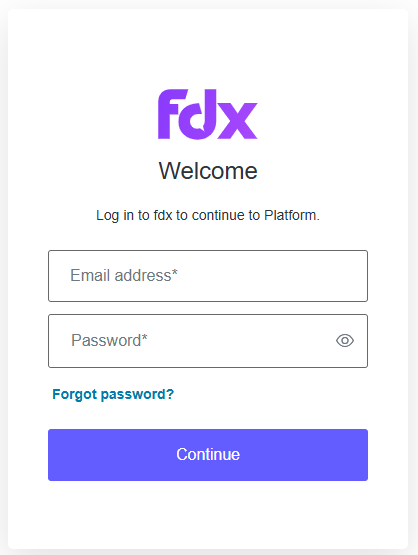
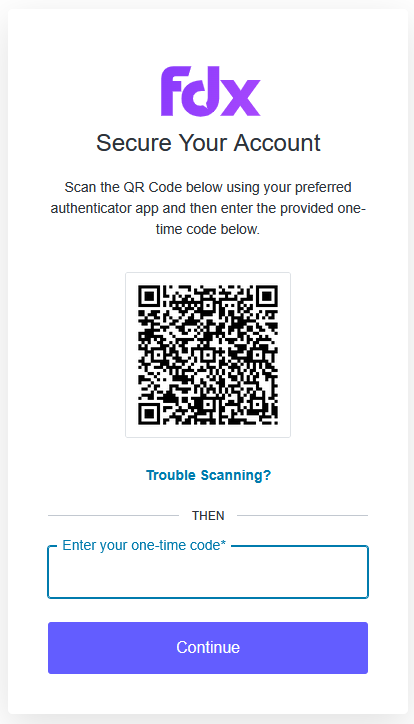
Here, you'll be requested to prompt your email and password. After clicking 'Continue' a QR code will appear for you to scan with your Authenticator App of choice (Google Authenticator, Microsoft Authenticator, Authy, etc.).
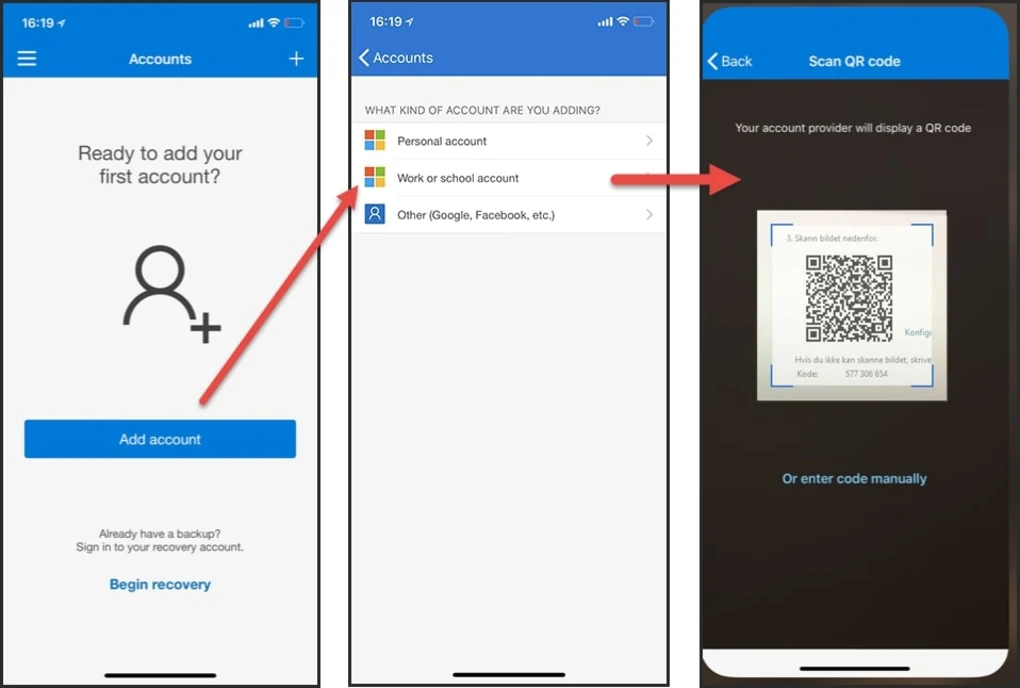
This is how you would scan the QR code on Microsoft Authenticator (all apps have a similar process)
Once you register by scanning the QR code, you are ready to start receiving One-time password codes, which changes every 30 seconds.
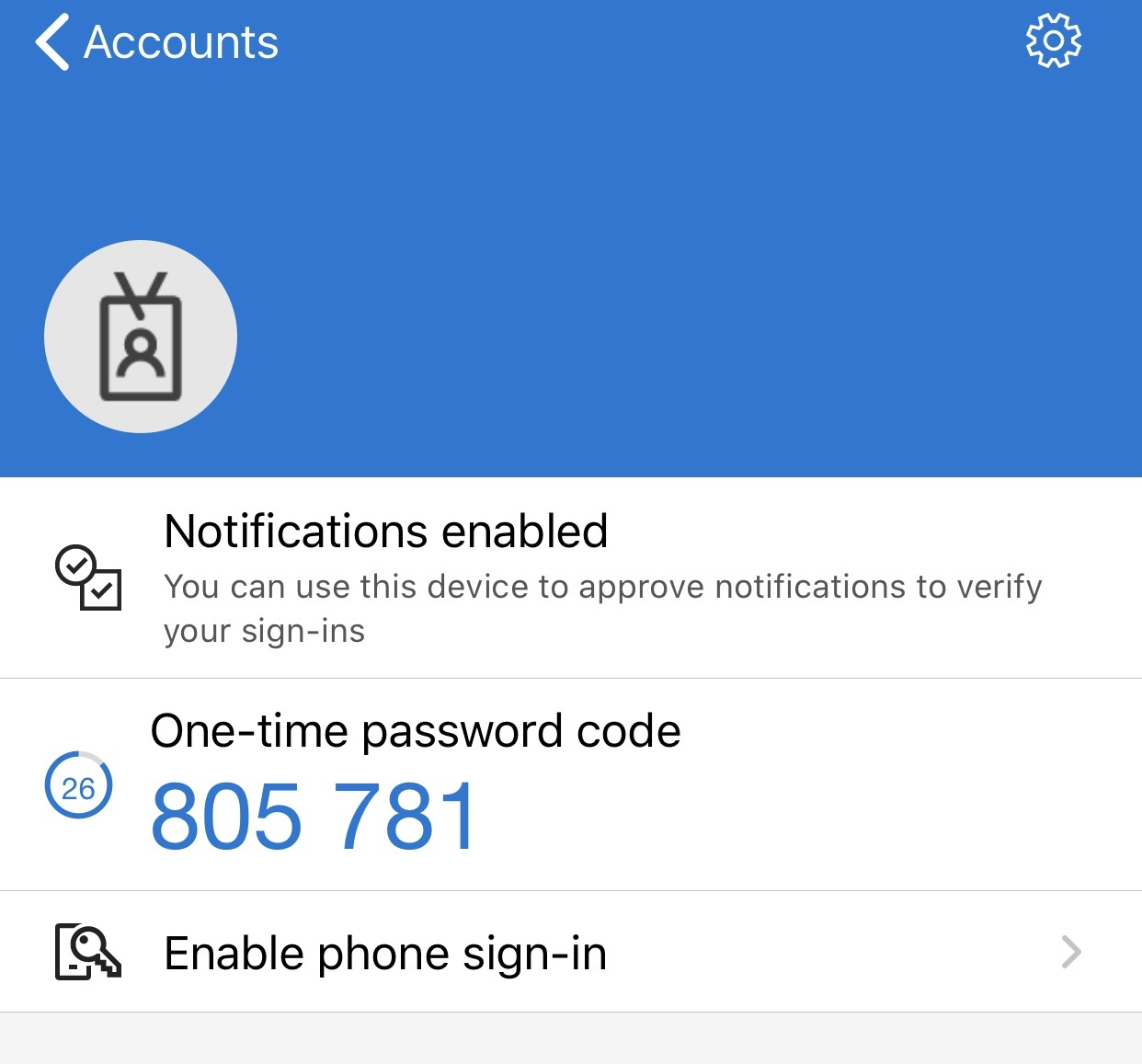
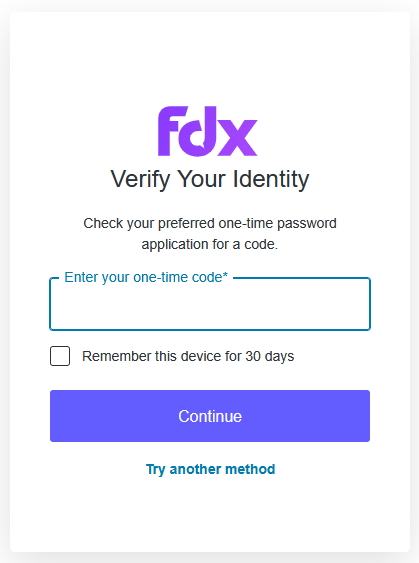
Before the time runs out, prompt the One-time password code in our platform in order to access.
Our platform will ask for this verification every time you log in, you also have the possibility to tick "Remember this device for 30 days"
Was this article helpful?
That’s Great!
Thank you for your feedback
Sorry! We couldn't be helpful
Thank you for your feedback
Feedback sent
We appreciate your effort and will try to fix the article